Review a suggestion
A suggestion waits in its owner’s Inbox. The quick view says what changes; the review is where you decide.
The quick view
Select a suggestion in the Inbox to see, side by side, what agents say today and what they will say after you publish. It also shows who sent it, and anything that needs care, such as details to compare with the source.
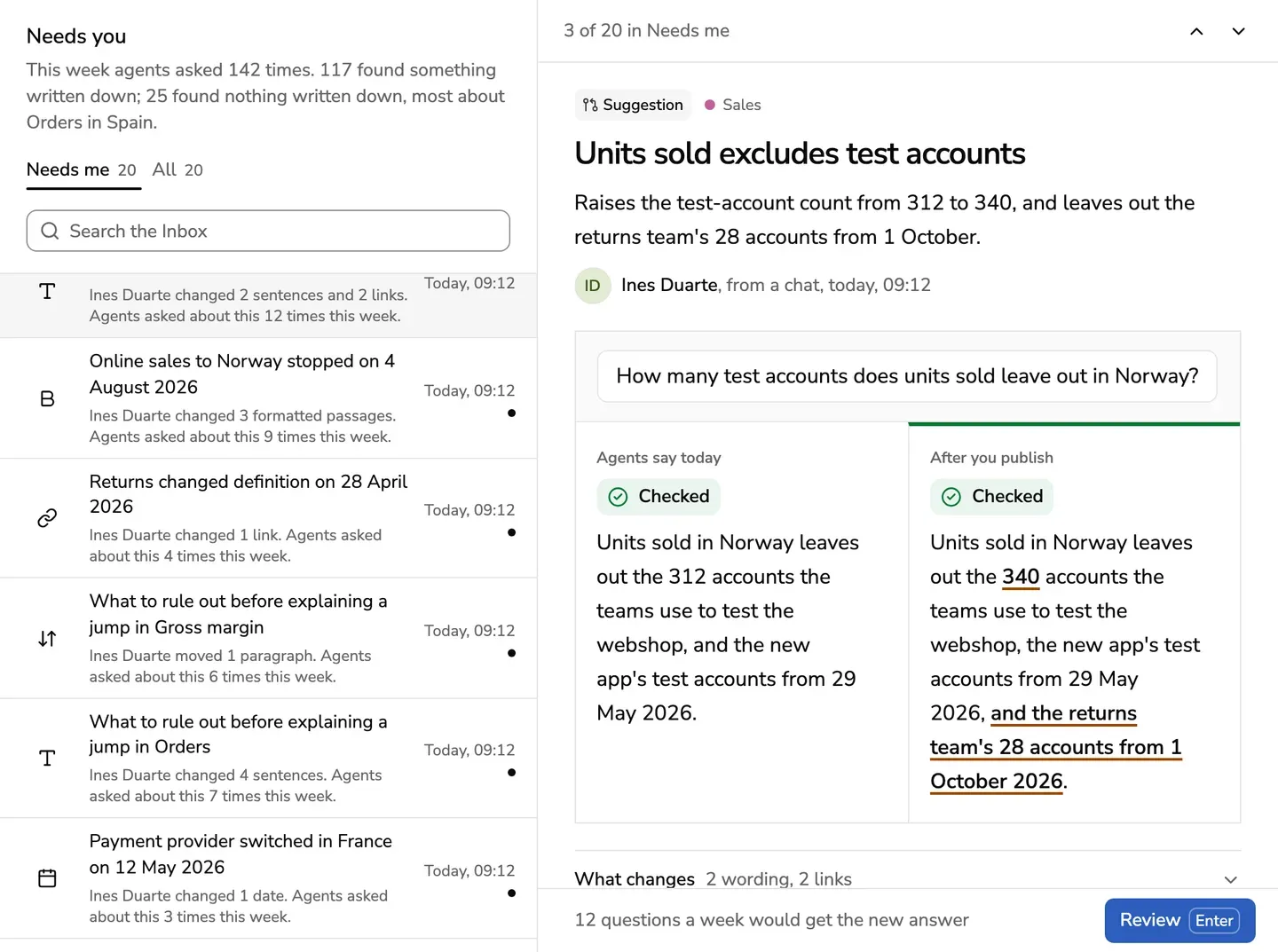
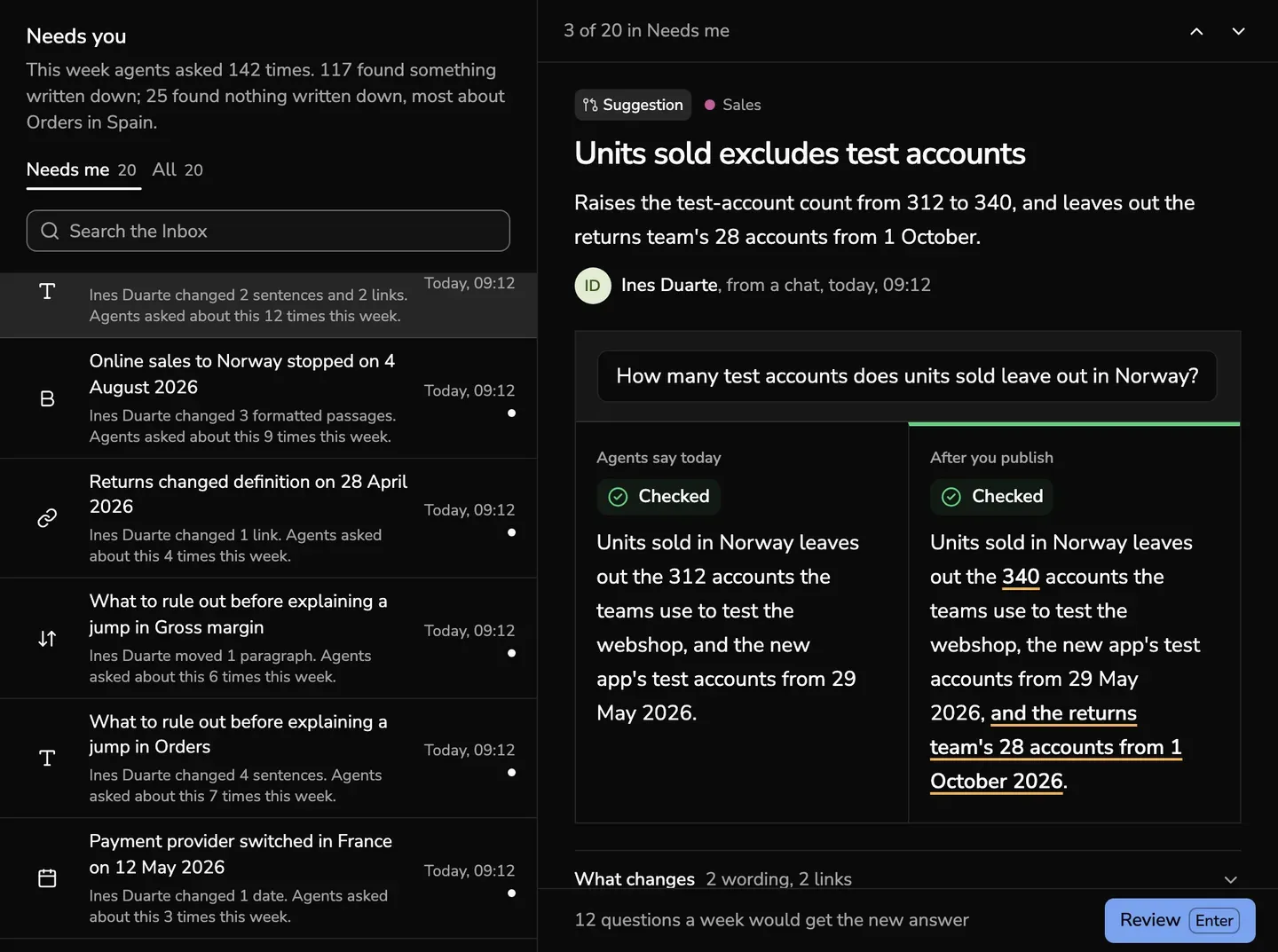
- A suggestion that clashes with live context shows what agents would hear if you publish it as it is.
- A suggestion to archive shows what they will say after you archive.
What changes and the sender’s note are folded below. Open them when you want them.
The button at the foot opens the full screen and says what you decide there:
- Review
- Compare with what’s published, for a suggestion about the same thing as published context
- Check the first version, for a draft of what agents could not answer
The words beside it say what follows. The other buttons say what they do, such as Edit or Archive.
The review
-
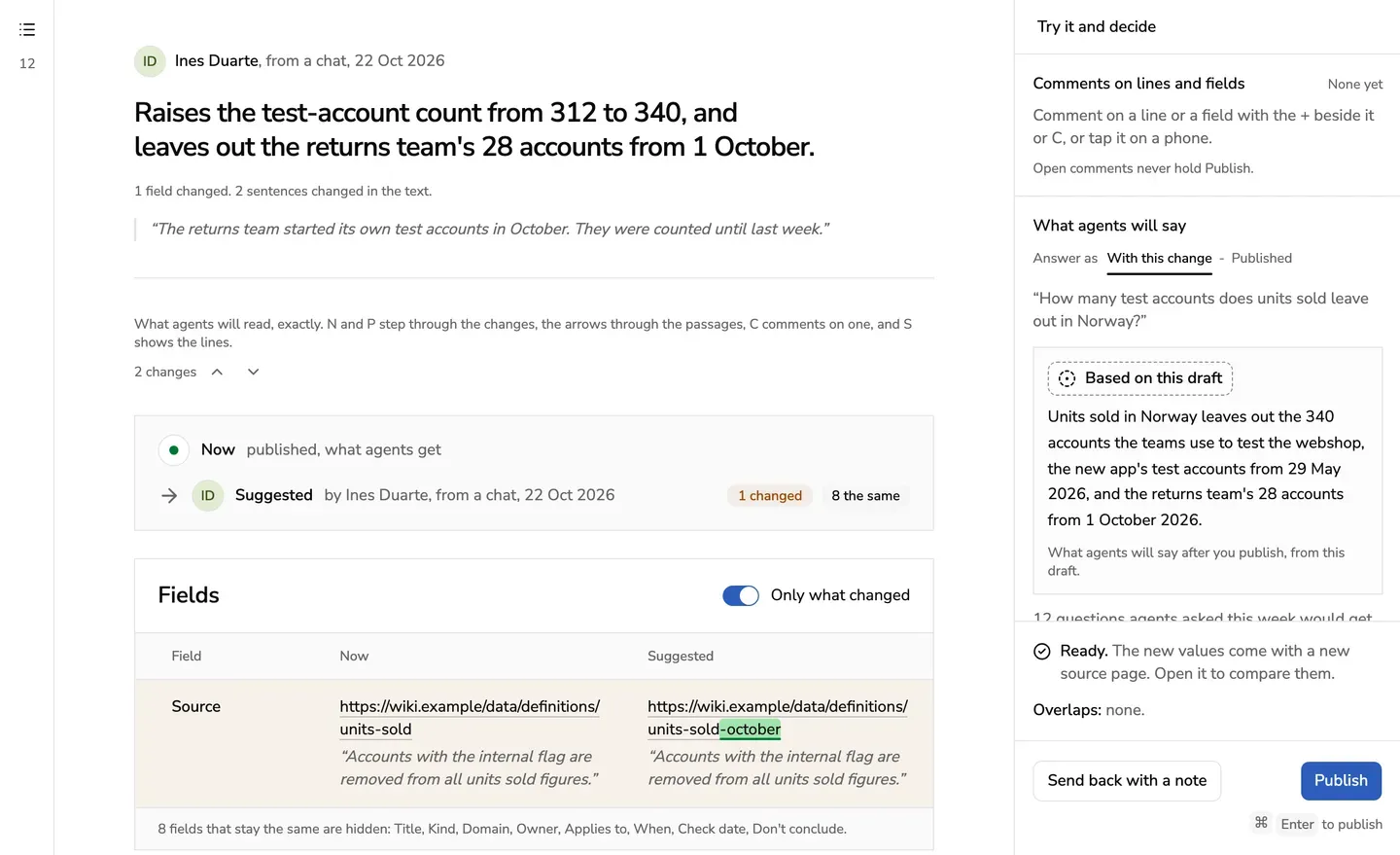
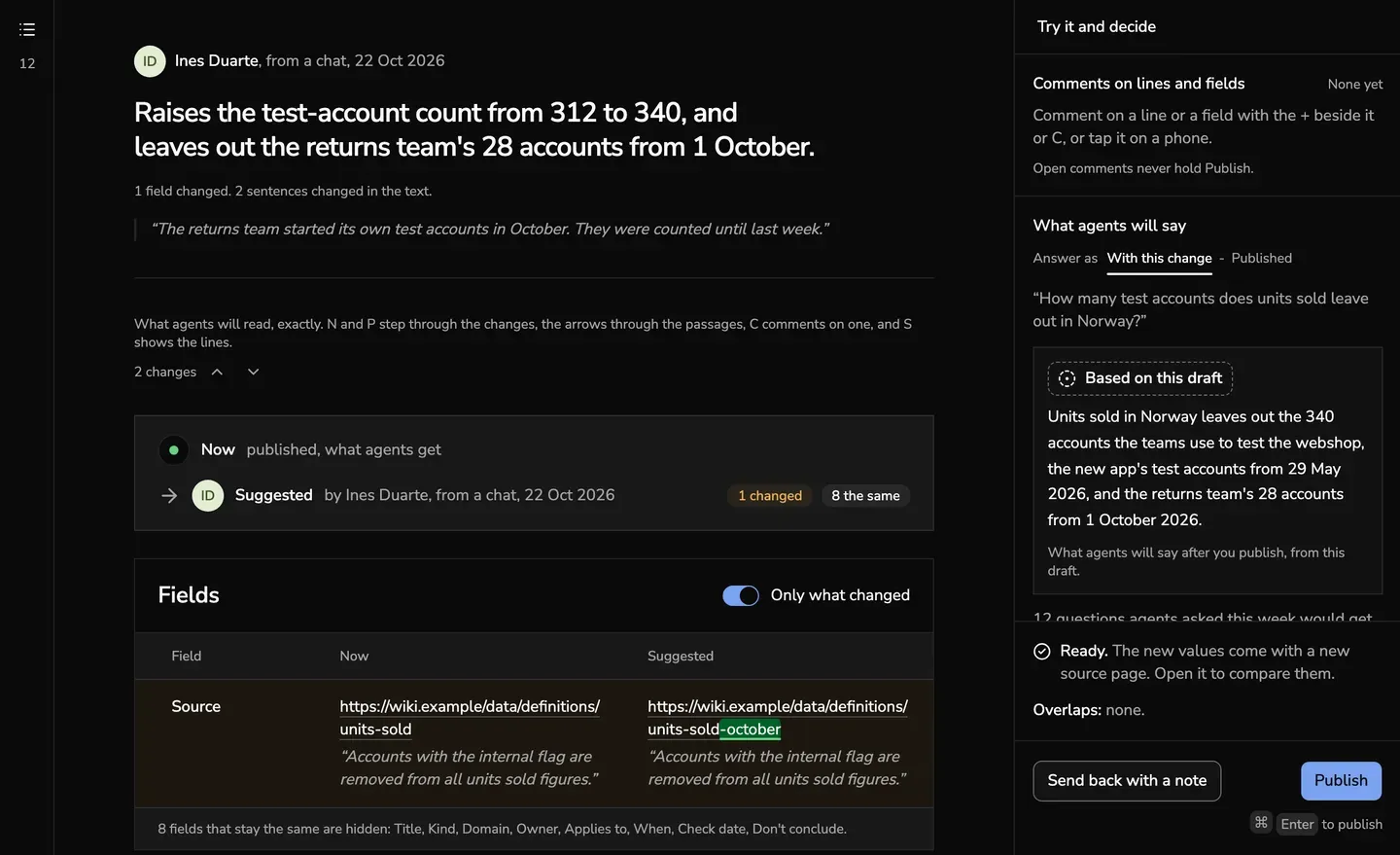
The change, as agents will read it: the fields that change as a table, then the text with what was taken out and what was added. N and P step through the changes.
-
Preview: the item as its page will read once you publish it. The review keeps to the source or the preview as you go through the waiting suggestions.
-
Try it: what agents will say with the draft, and what they say now.
-
The Ready line, which never says more than was checked: new numbers in an edit read Ready, not compared with a source.
-
Comments on a line or a field: point at a line of the text or a row of the fields and choose the + beside it, or press C, or tap it on a phone. The comment hangs there.
Type @ to mention someone, or : for an emoji. Anyone who reads the suggestion can mark it done, or open it again, and the comment says who did and when. The side panel counts the open ones and goes to each. Open comments never hold Publish.
-
Publish, or Send back with a note: the note is the first comment, and the sender answers there. It waits in their Inbox under Returned to you, where Edit and send again opens it in the editor. A suggestion to archive is archived or closed, not returned.
-
A suggestion written against an earlier version of its item, because the item was checked or changed since, says so. Return it, so its sender writes it against what agents get now.
-
A suggestion to archive you don’t want: choose Don’t archive and say why. Nothing changes, and the reason is kept with the decision.
-
A suggestion to archive that its sender took back in the comments shows their words. Close the suggestion and nothing changes, or archive anyway, which asks first.
Taking back a suggestion to archive
Suggested archiving a context item, and changed your mind? Say why in its comments, in your Inbox under All, then choose Withdraw the suggestion under your comment. The owner sees your words in the review and closes it, or archives anyway. Keep the suggestion under the same comment lets it stand again.
When two items disagree
In the review, an owner can say that a suggestion disagrees with a live item. The two are then in a conflict, and agents give both until someone decides it: Decide a conflict.
Publishing several
Publish the ones you’ve read takes only suggestions you read: the whole change on screen for a few seconds, or Mark as read. It lists them first, and Undo puts them all back.
An owner can also let one named agent publish some of its suggestions without a review: Publish without review.
Keys. J and K move through the waiting suggestions, N and P through the changes, the arrows through the lines, C comments on the one in focus, Command and Enter publishes, Esc goes back to the Inbox, and ? lists them all.